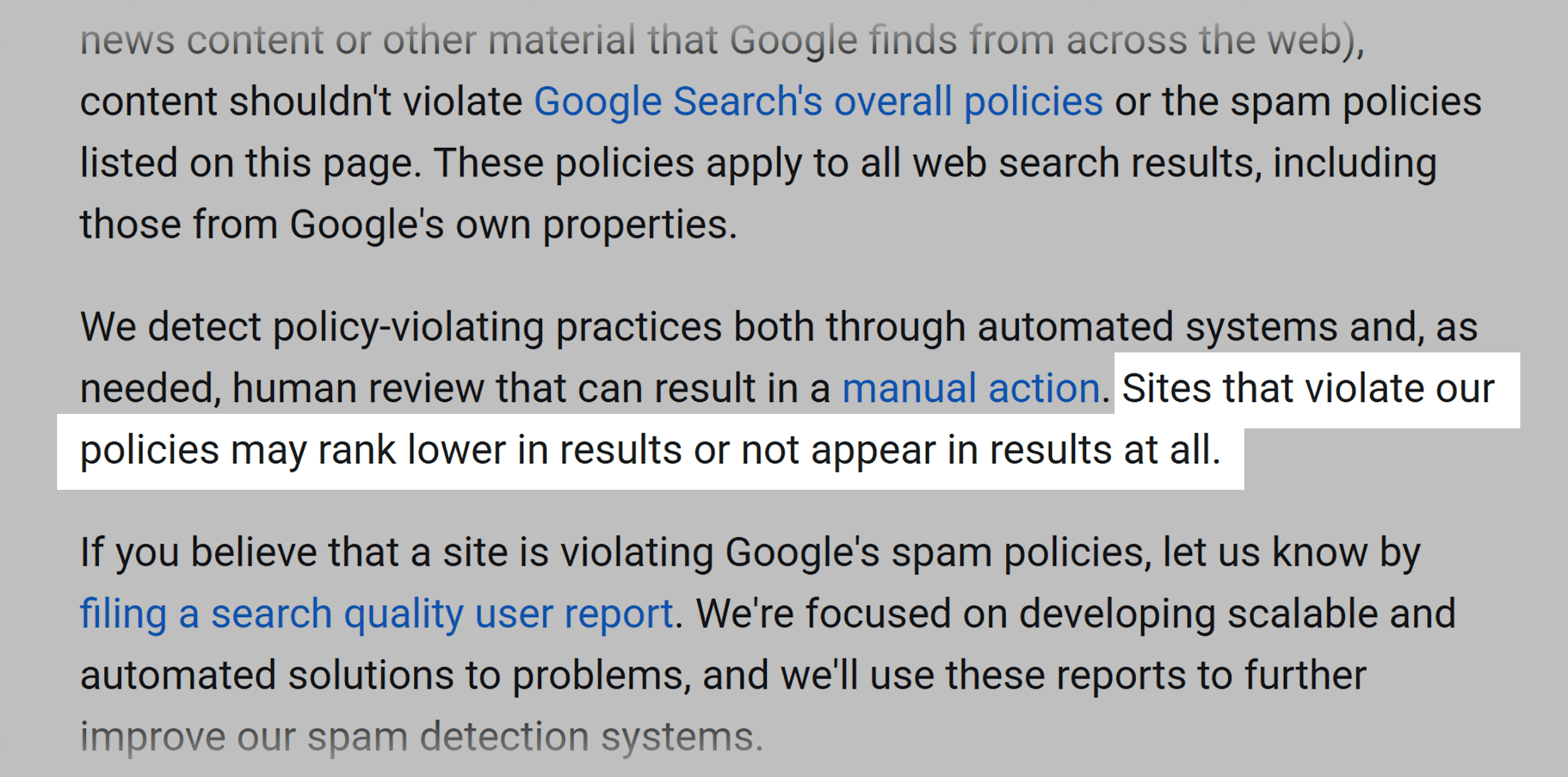
While there is no guarantee that any particular site will be added to Google’s index, sites that follow the Search Essentials guidelines are more likely to appear in Google’s search results.
How to Identify Keyword Stuffing on Your Site
Not sure if your content crosses the line from optimized to overkill?
Here’s how to spot keyword stuffing before Google and your readers do.
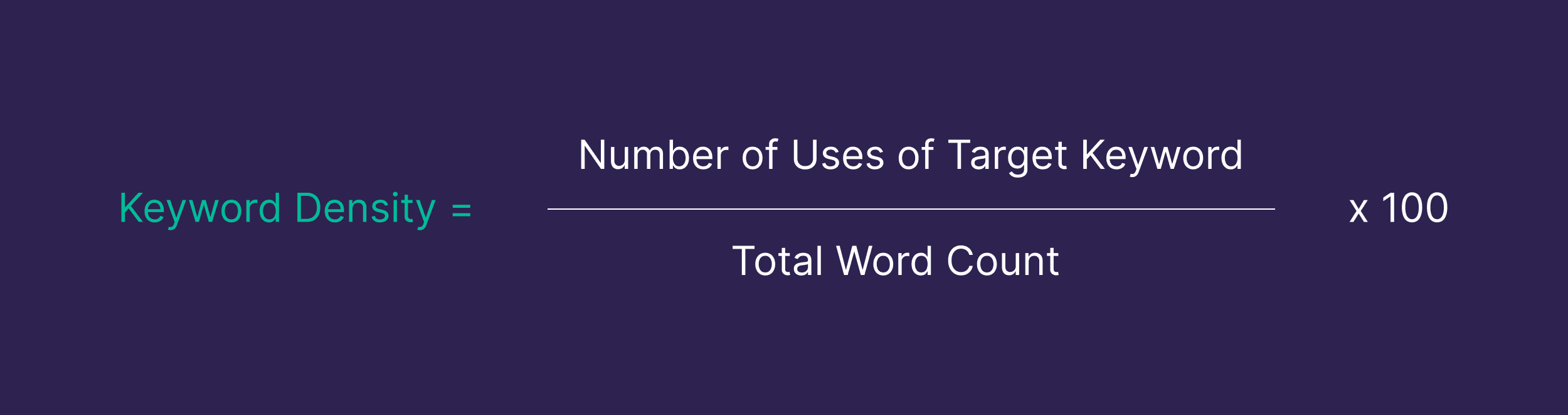
Manual Calculation
Old-school, but it works:
Count how many times your target keyword appears in your content
Divide by your total word count
Multiply by 100 to get the percentage
Side note: AI tools can help you calculate keyword density, but their results may not be entirely accurate. I tested ChatGPT against a manual calculation and found it was off by 28%. After prompting it to recheck its work, ChatGPT was able to provide the correct answer. But this process actually took longer than just calculating it myself.
So, how do you know if your percentage is “good” or “bad”?
Keep in mind that the ideal keyword density doesn’t exist.
As Leigh McKenzie, Backlinko’s head of SEO, says:
You can’t fake relevance by jamming your target phrase into every heading. A natural, readable flow matters more. As a general rule, if your keyword density creeps above 2–3%, it’s worth taking a second look.
Use keywords intentionally. But write like you’re talking to real people, not search engines. That’s what both the algorithm and AI actually reward.
Manual Assessment
One of the most effective ways to identify keyword-heavy content is to read it aloud.
If something feels stiff, repetitive, or robotic, your readers will feel it, too.
Ask yourself:
Would I write this way if SEO wasn’t a factor?
Does this content feel valuable and informative?
Would real people enjoy reading this?
If the answer to any of these questions is “no,” it’s time to revise.
WordPress Plugins
Using WordPress?
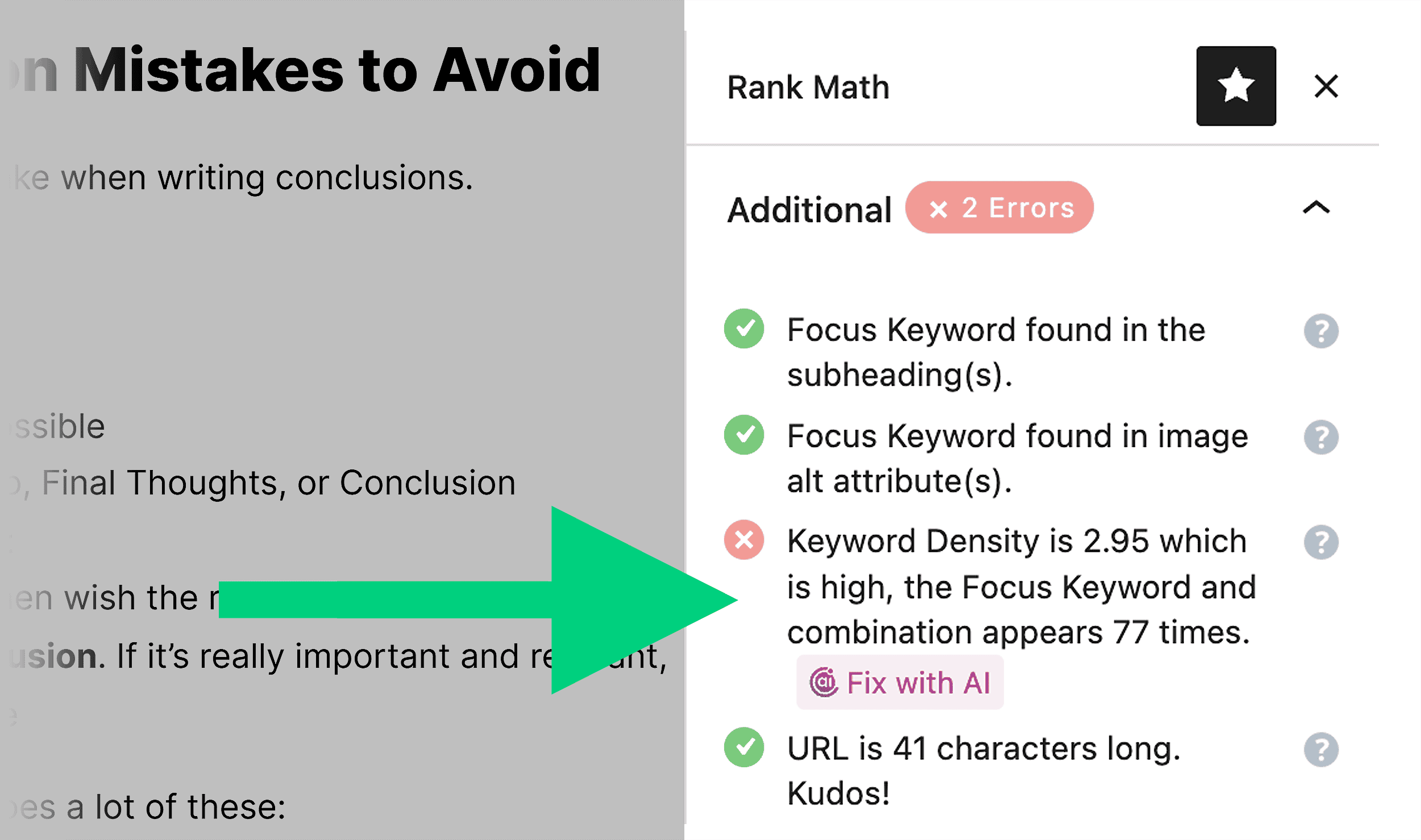
Plugins like Yoast SEO and Rank Math can help flag potential keyword stuffing.
These tools provide readability scores and keyword density calculations.
But keep in mind that these tools may miss subtle issues.
And typically won’t flag anything until it’s really obvious.
So, it’s best to use them as a guide rather than a final verdict.
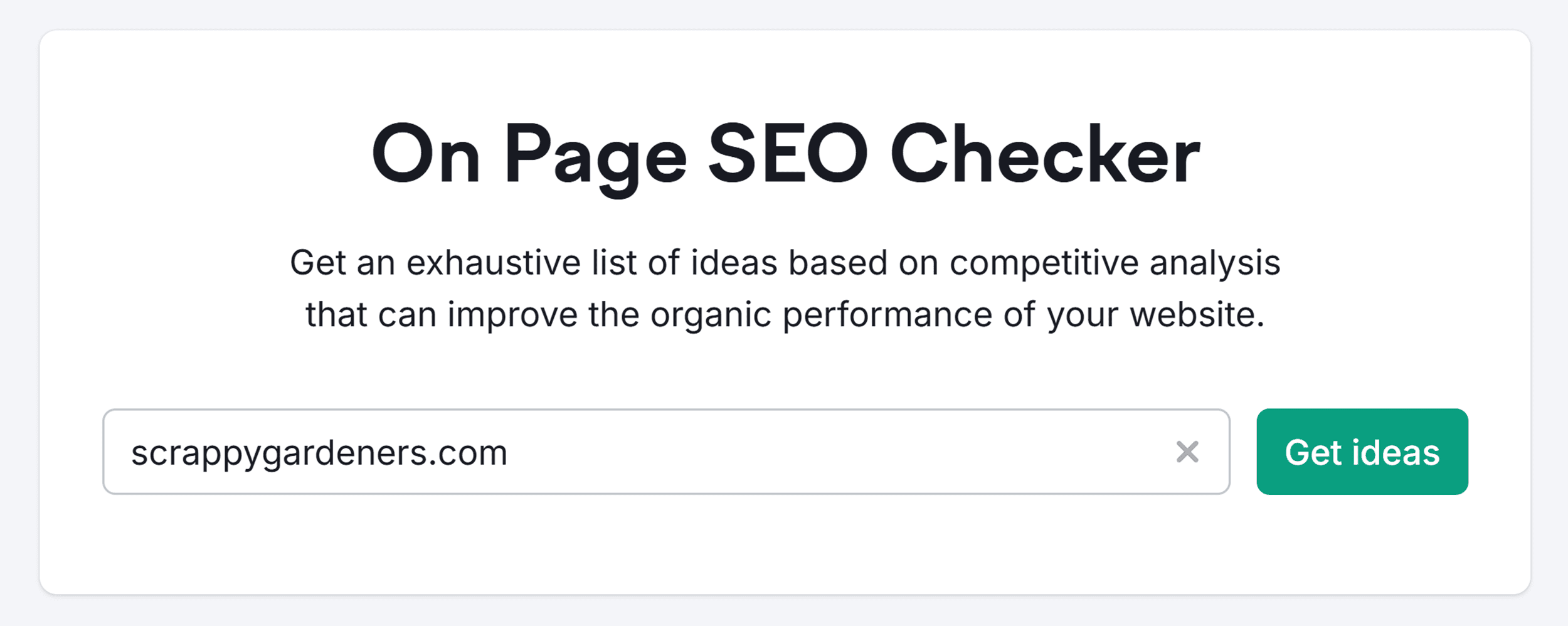
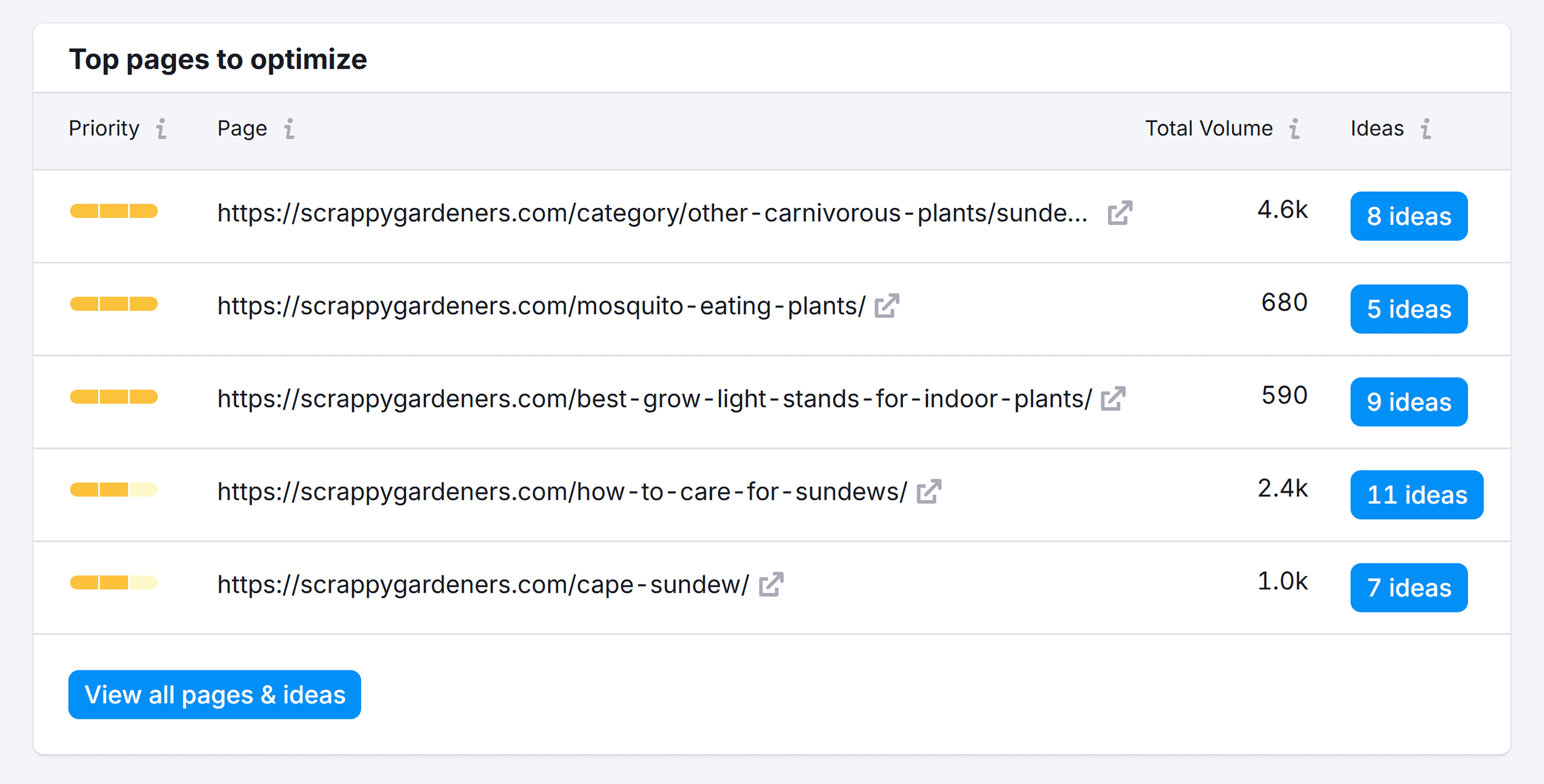
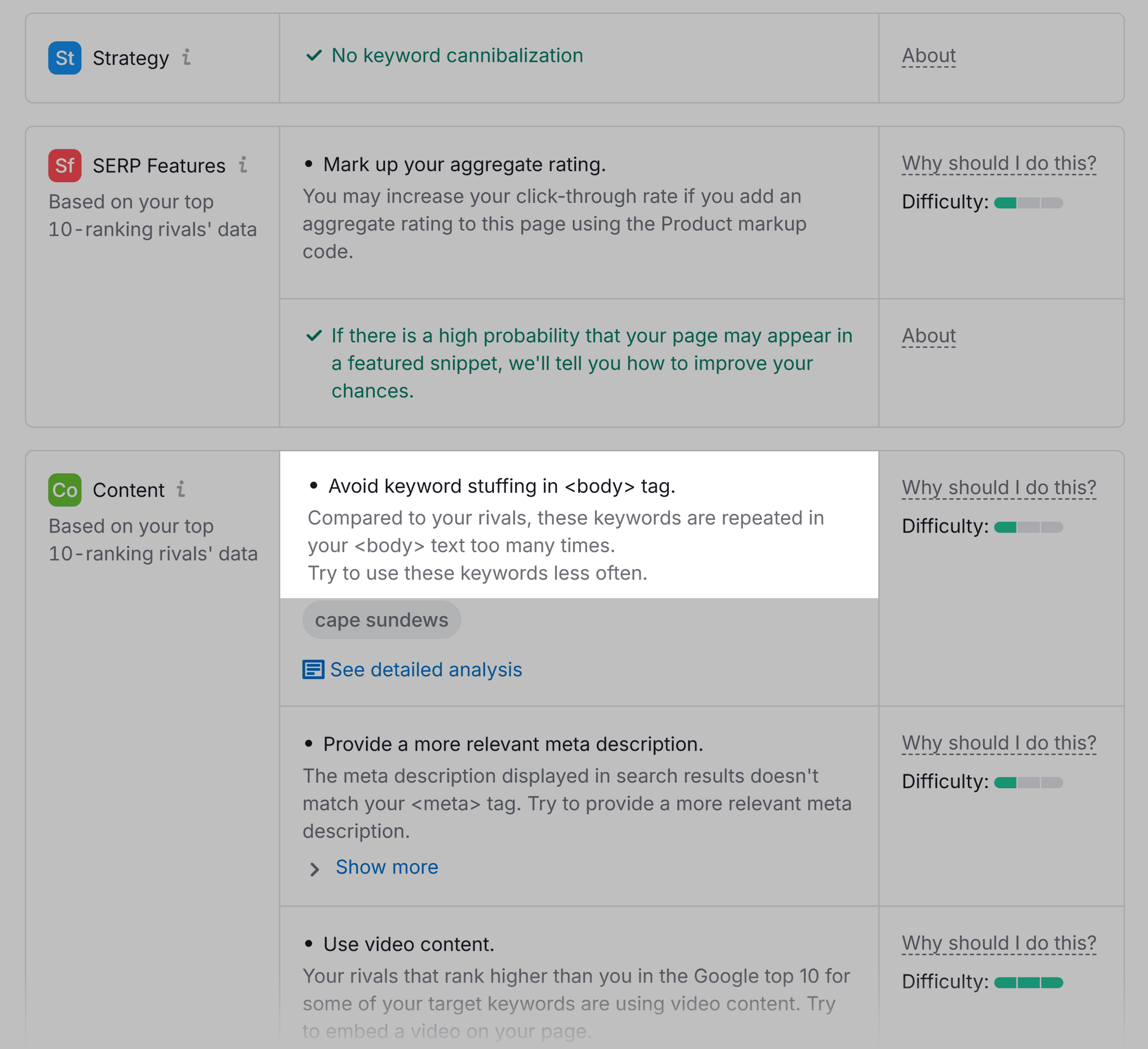
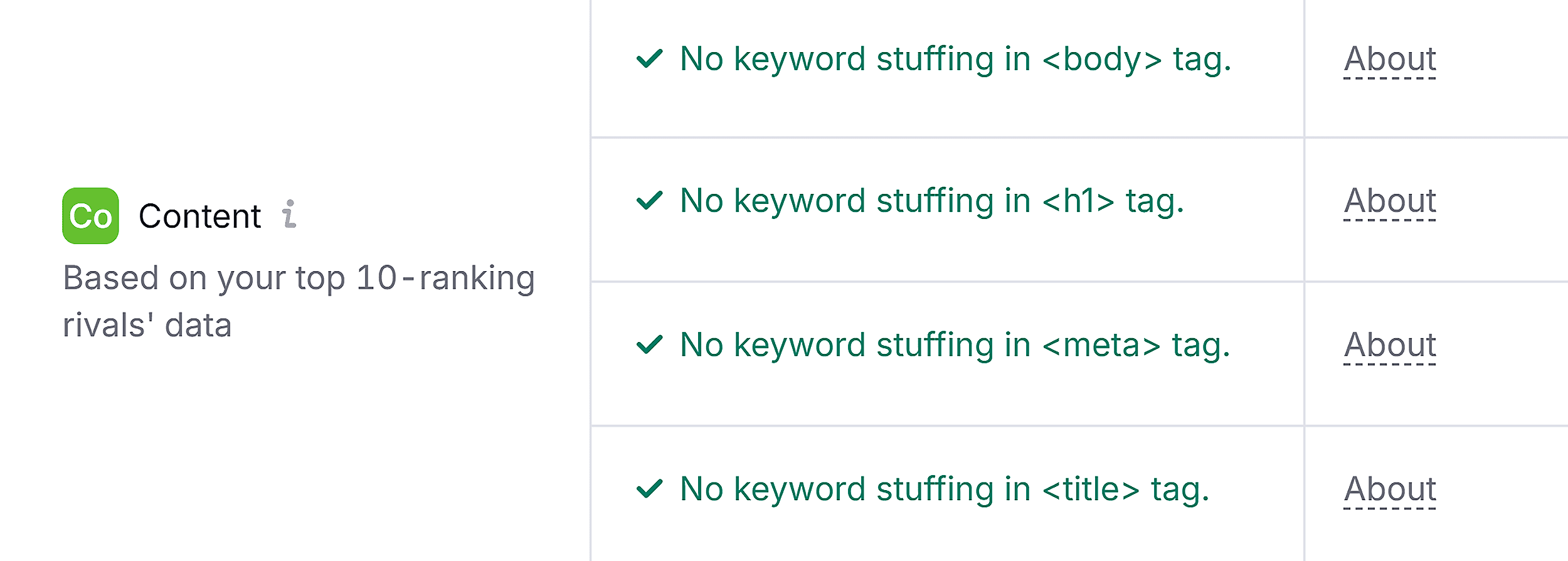
On Page SEO Checker
Want a smarter, more in-depth look at keyword usage on your pages?
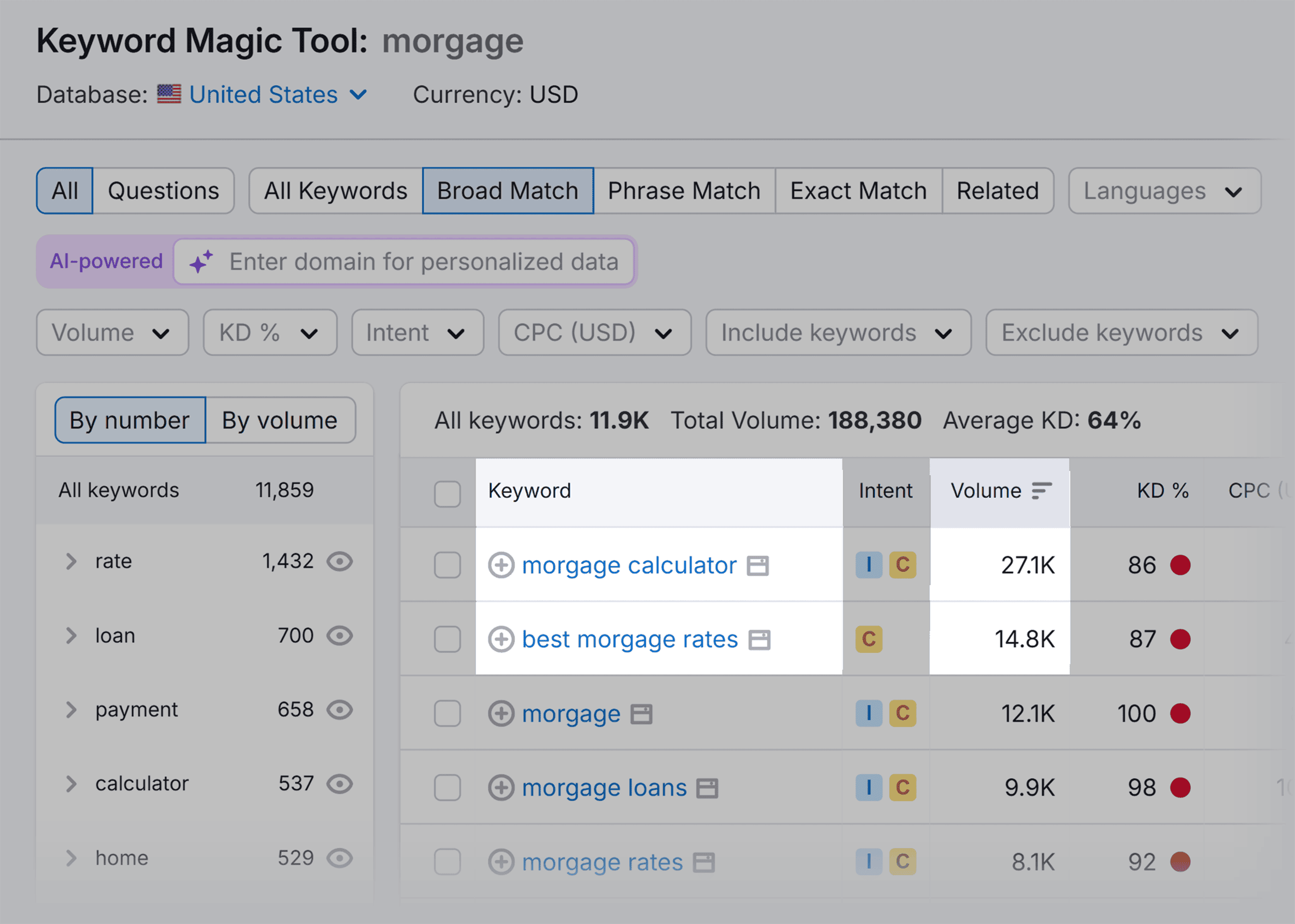
Our natural language understanding models look at a search in context, like the relationship that words and letters within the query have to each other. Our systems start by deciphering or trying to understand your entire search query first. From there, we generate the best replacements for the misspelled words in the query based on our overall understanding of what you’re looking for. For example, we can tell from the other words in the query “average home coast” that you’re probably looking for information on “average home cost.
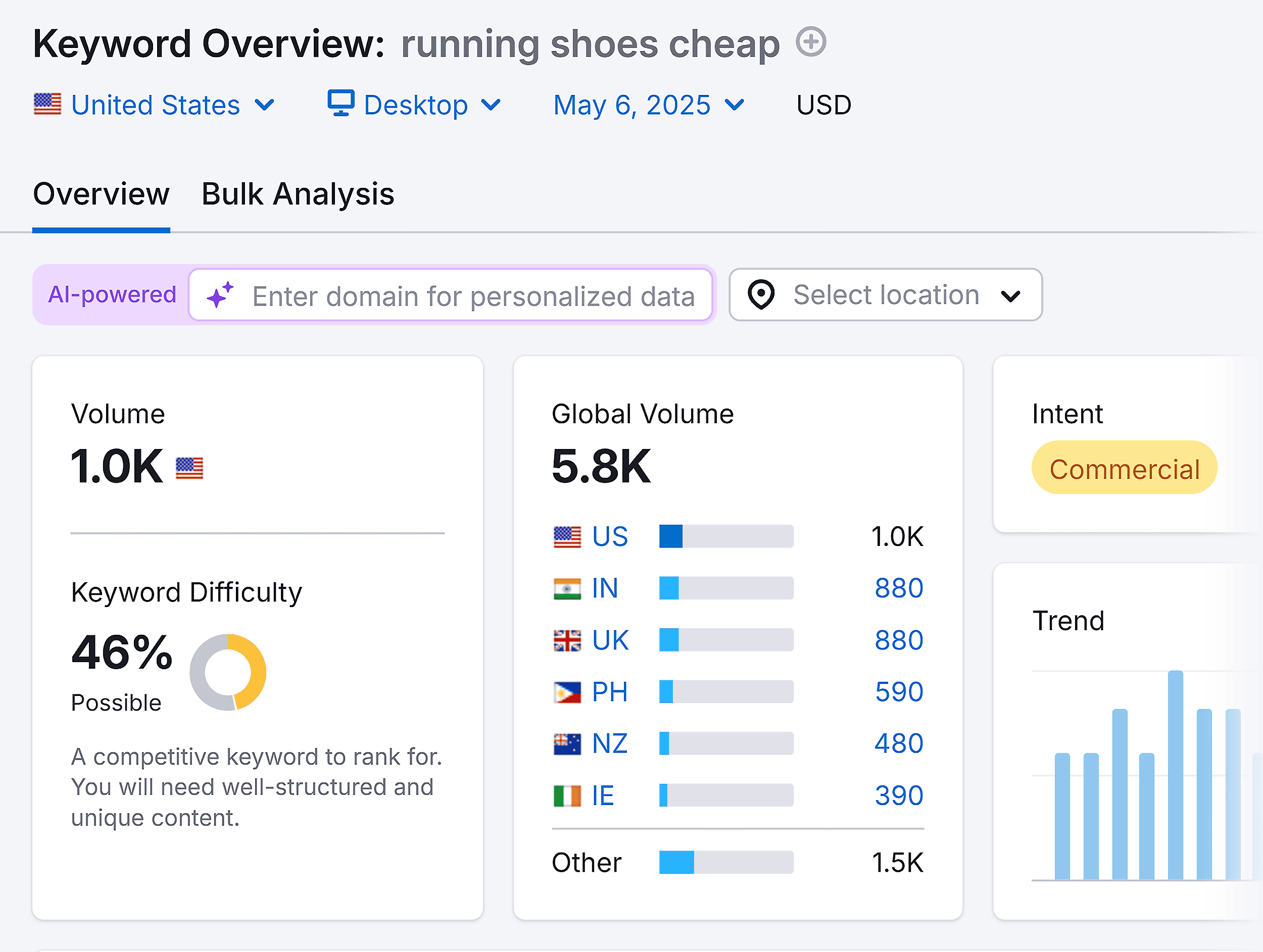
Same goes for grammatically incorrect or just plain awkward keyword phrasing like:
“Running shoes cheap”
“How to train dog fast”
Yes, people search like this:
But you shouldn’t mirror that phrasing word-for-word.
Or you risk lowering the readability and trustworthiness of your content.
6. Spread Out Keyword Usage
Don’t use a bunch of keywords in a single paragraph or section.
Distribute them naturally throughout your content, from the introduction to the conclusion.
This creates a more cohesive piece that flows naturally while still signaling relevance to search engines.
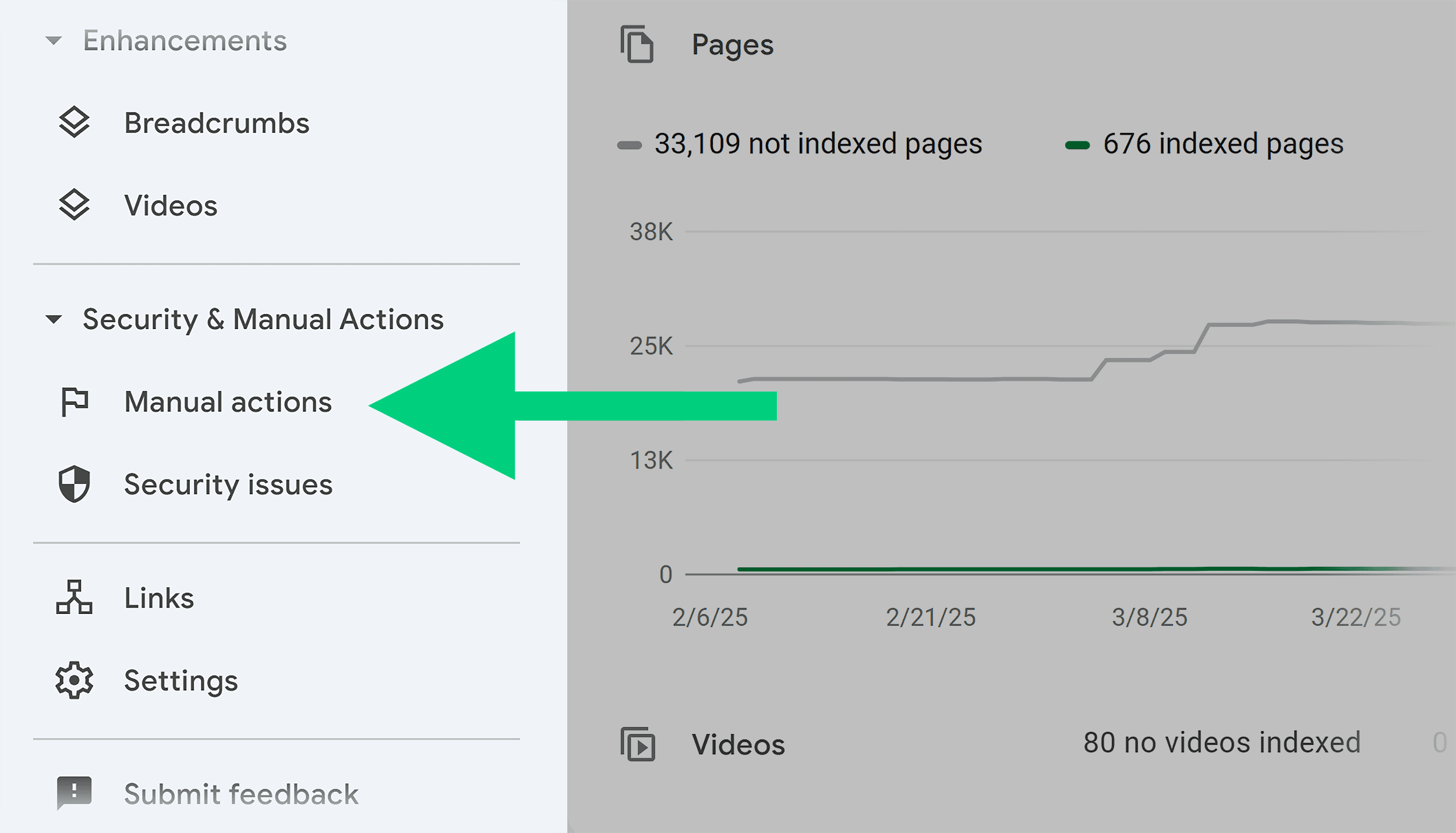
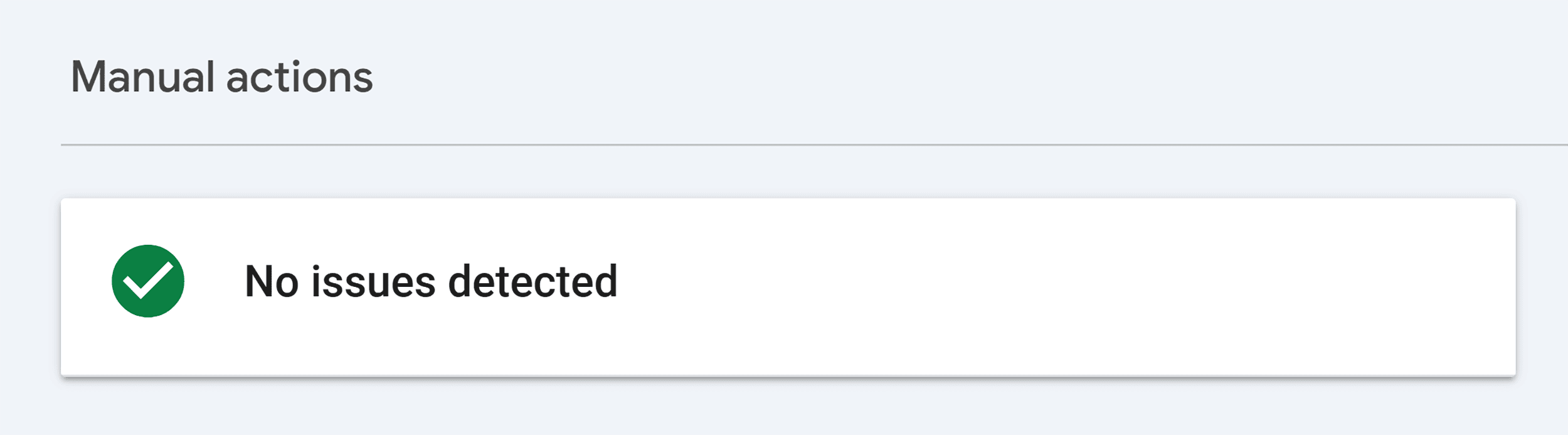
If you don’t have any manual actions, you’ll see this message:
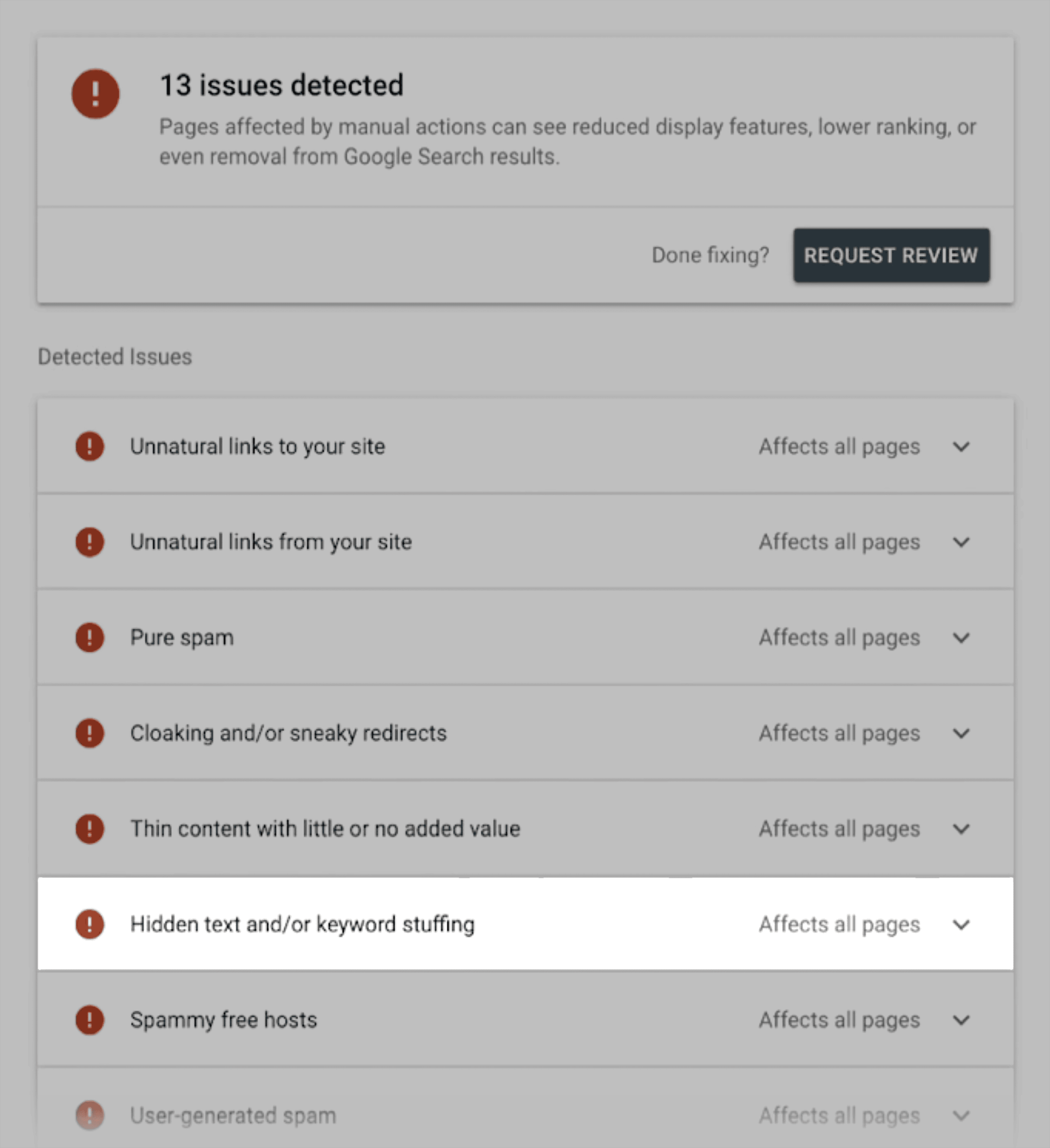
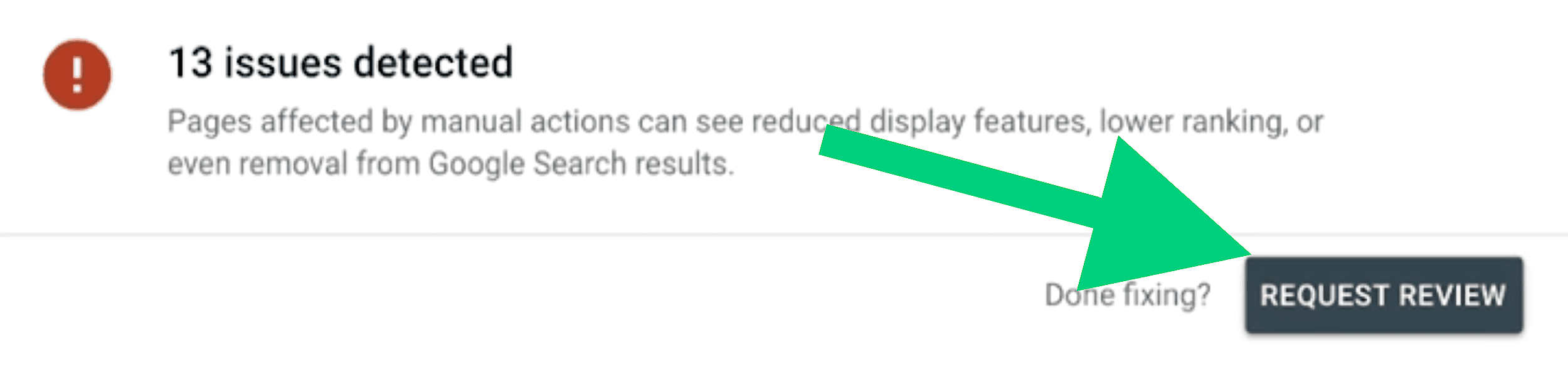
If you have a manual action, you’ll see a report with the number of issues detected.
And a description of each one.
Like unnatural links, cloaking, thin content, and — you guessed it — keyword stuffing.
If you received a penalty, you’ll need to address the issues and submit a reconsideration request.
Fix the Issues
Once you’ve identified the problem pages, it’s time for cleanup.
But this isn’t just about fixing one page. It’s about showing Google you’ve changed your approach.
Here’s what to focus on:
Rewrite keyword-stuffed content: Focus on clarity, depth, and user intent. Cut repetition and use natural phrasing and keyword variations.
Remove hidden keywords: If you used any black hat tactics, such as white text on white backgrounds, keyword-stuffed alt tags, or hidden links, remove them from your site
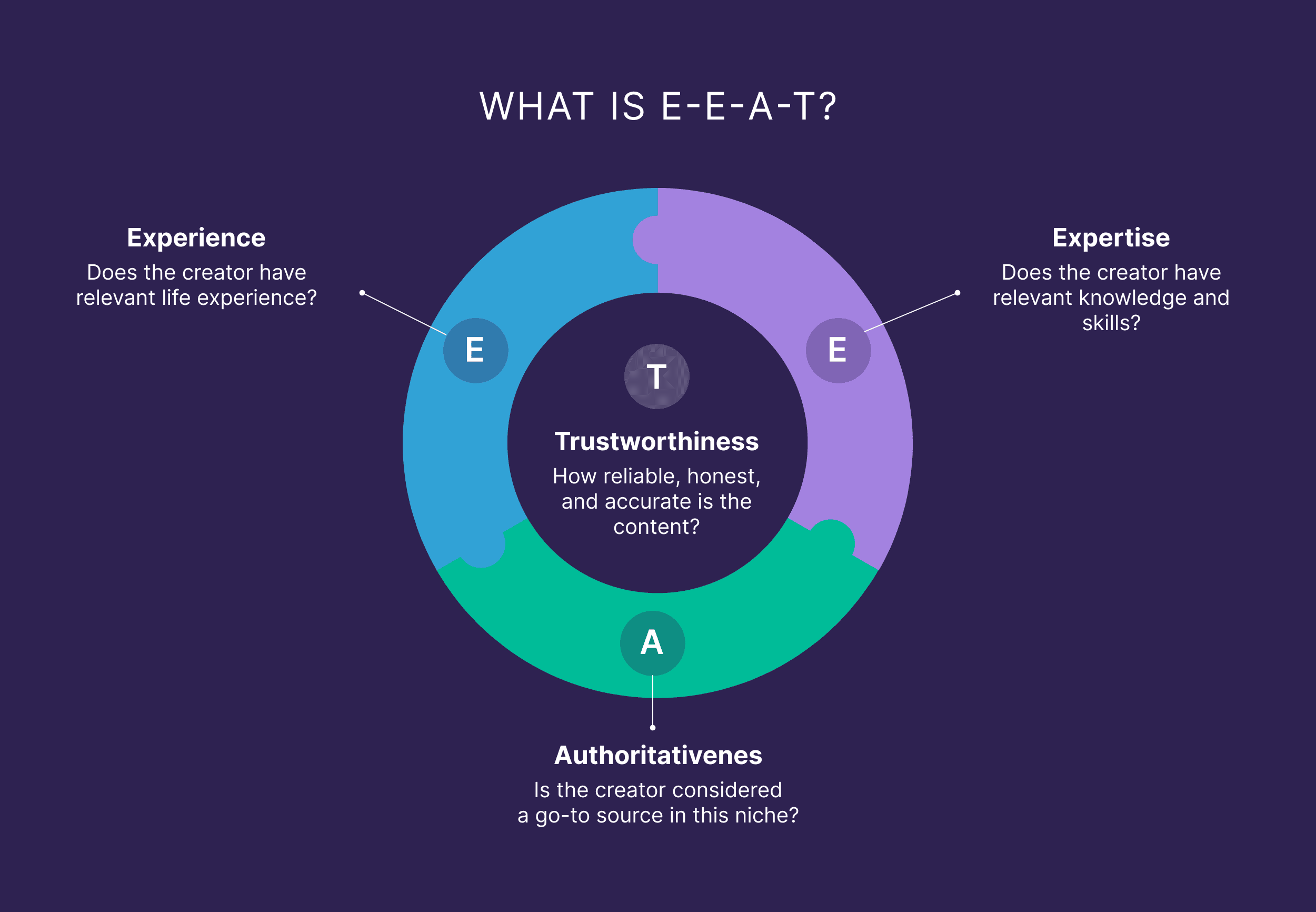
Upgrade the content: Check that each page meets search intent, thoroughly covers the topic, has meaningful information gain, and includes E-E-A-T signals. Like high-quality sources, author expertise, and expert insights.
Audit your site: For best results, consider following the above steps for every page on your site (if possible) — not just the ones Google flagged. This may improve your chances of getting the penalty removed.
Request a Review
Once your content is cleaned up, go back to Search Console and follow these steps:
Open the “Manual Actions” section and click “Request Review.”
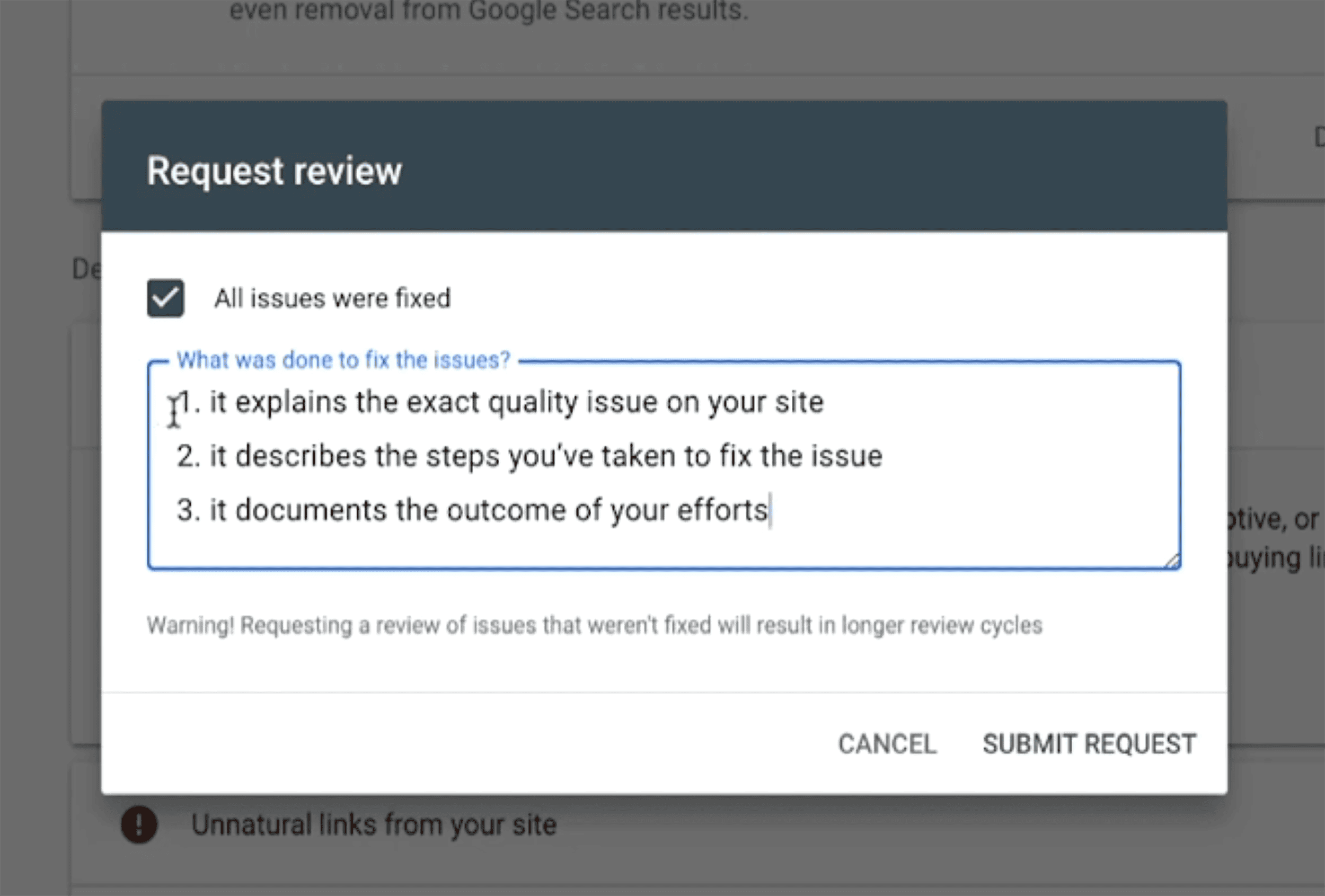
Next, you’ll be asked to check a box confirming you fixed all of the issues.
You’ll also need to explain what you fixed and how you did it.
Don’t copy and paste generic language. Be honest, transparent, and direct in your answer.
Explain the following:
What caused the issue
The exact steps you took to fix it
The outcome of your efforts
Expect to wait anywhere from a few days to a few weeks for a response.
You’ll get an email with Google’s decision when the review is complete.
If your first request is denied, you can try again.
Stop Stuffing. Start Optimizing.
Google doesn’t count keywords anymore.
Why should you?
Ranking in 2025 isn’t about gaming the algorithm — it’s about creating content that actually helps people.
So, leave the keyword stuffing to 2005 and focus on what modern readers and search engines want:
Helpful, trustworthy content.
Ready to write content that reads and ranks well?
Check out our SEO best practices guide. It’s packed with proven strategies for writing high-performing content without sacrificing quality or user experience.